Animister
Make a cast.Direct their next scene.
Turn the things around you into characters, then send them into stories together.
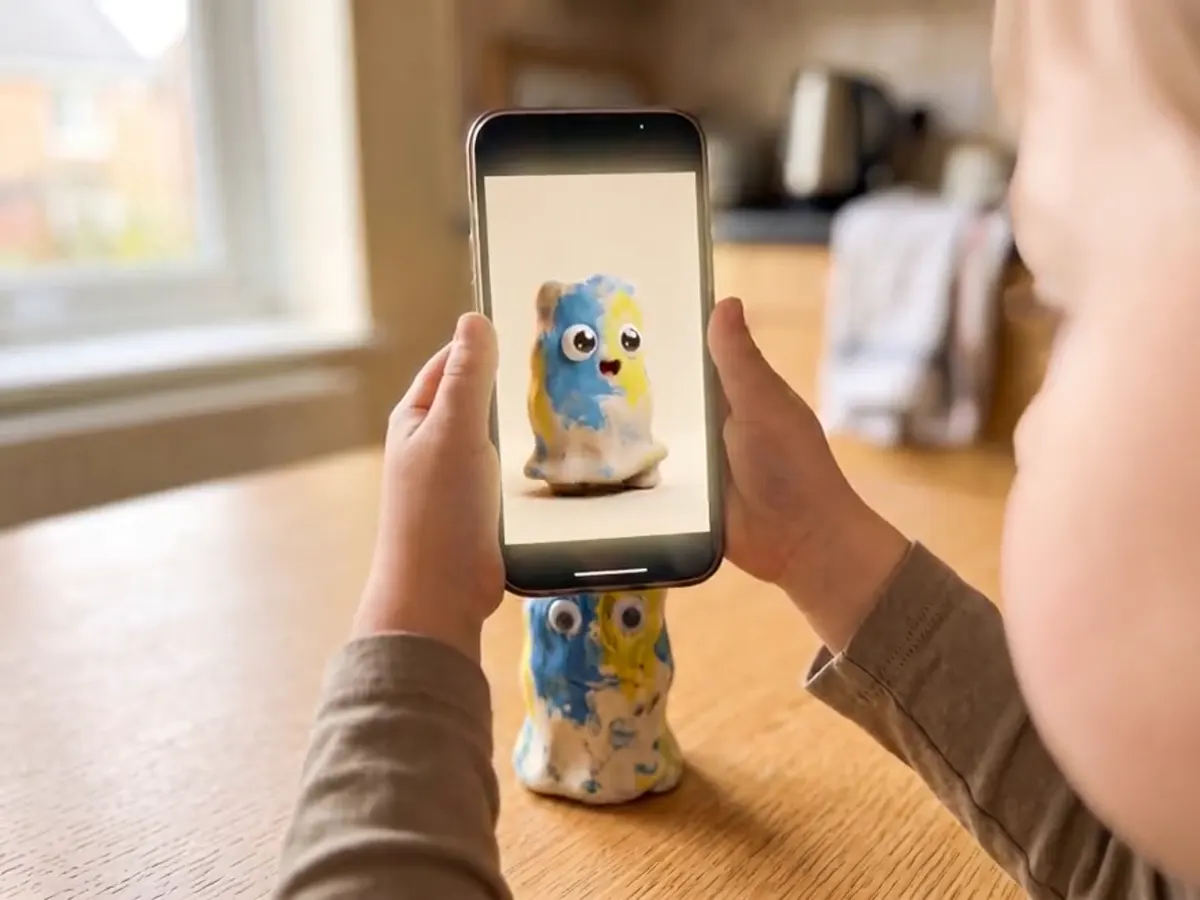
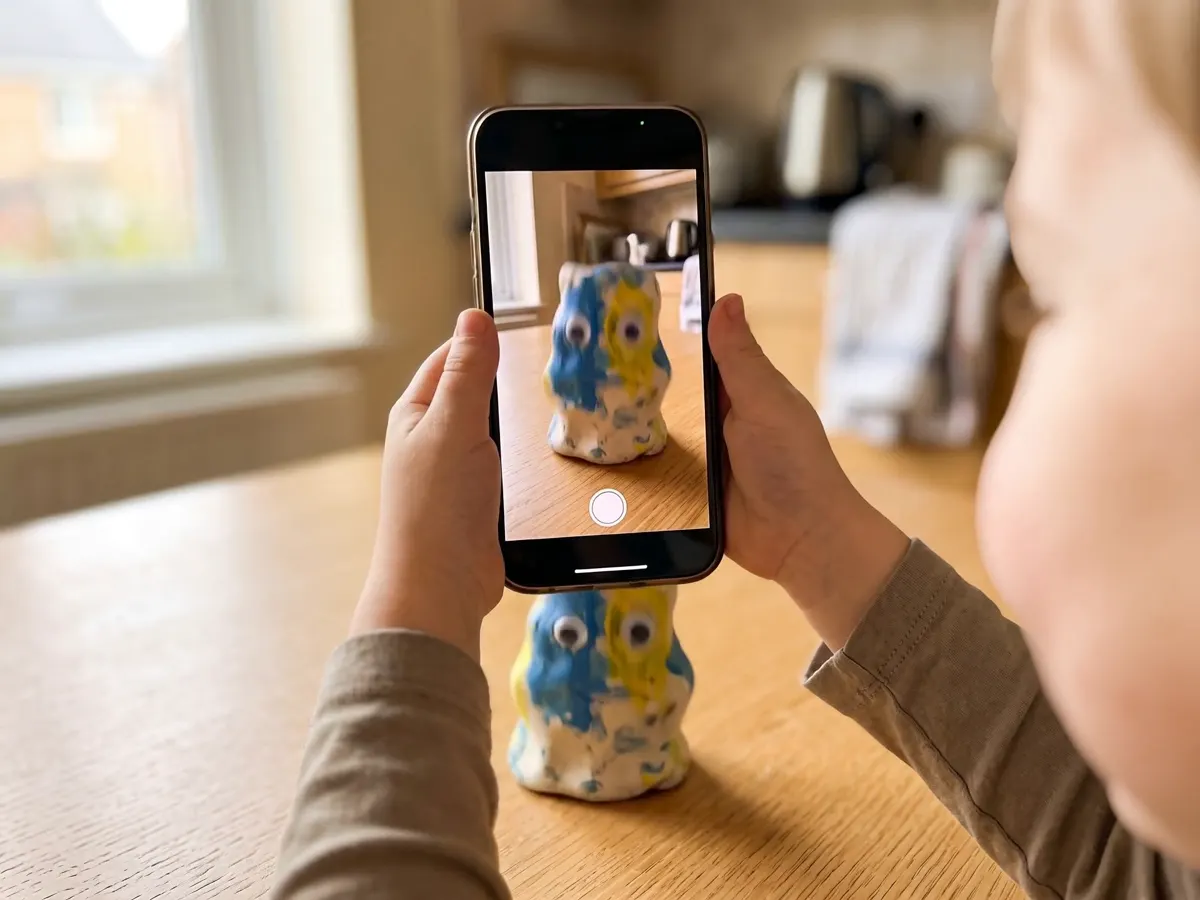
It starts with something they already made.
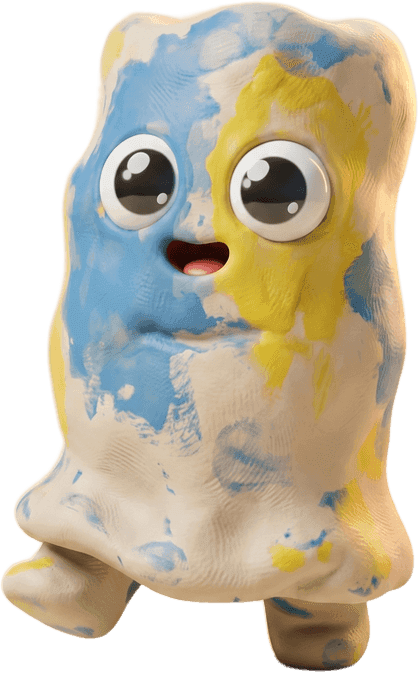
A clay blob, a plush rabbit, a pinecone from the garden. Photograph it once and it turns up again in the next scene.
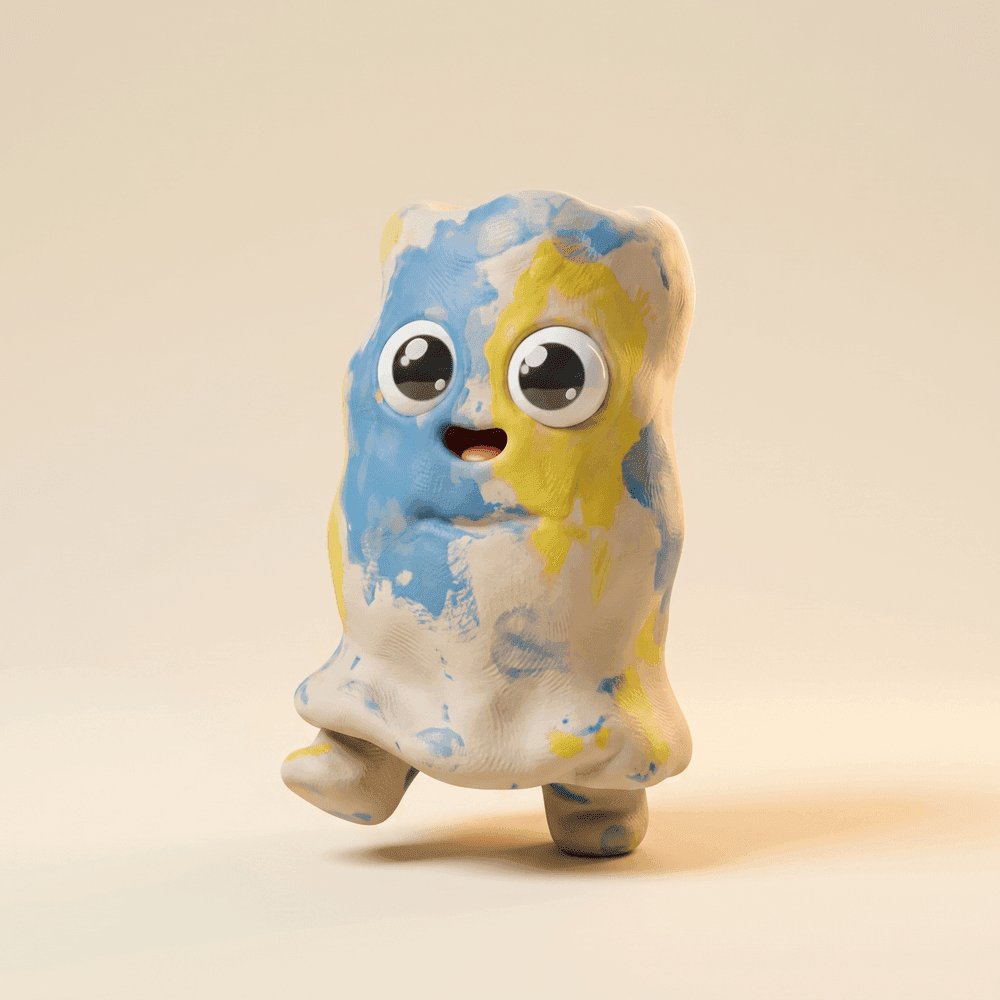
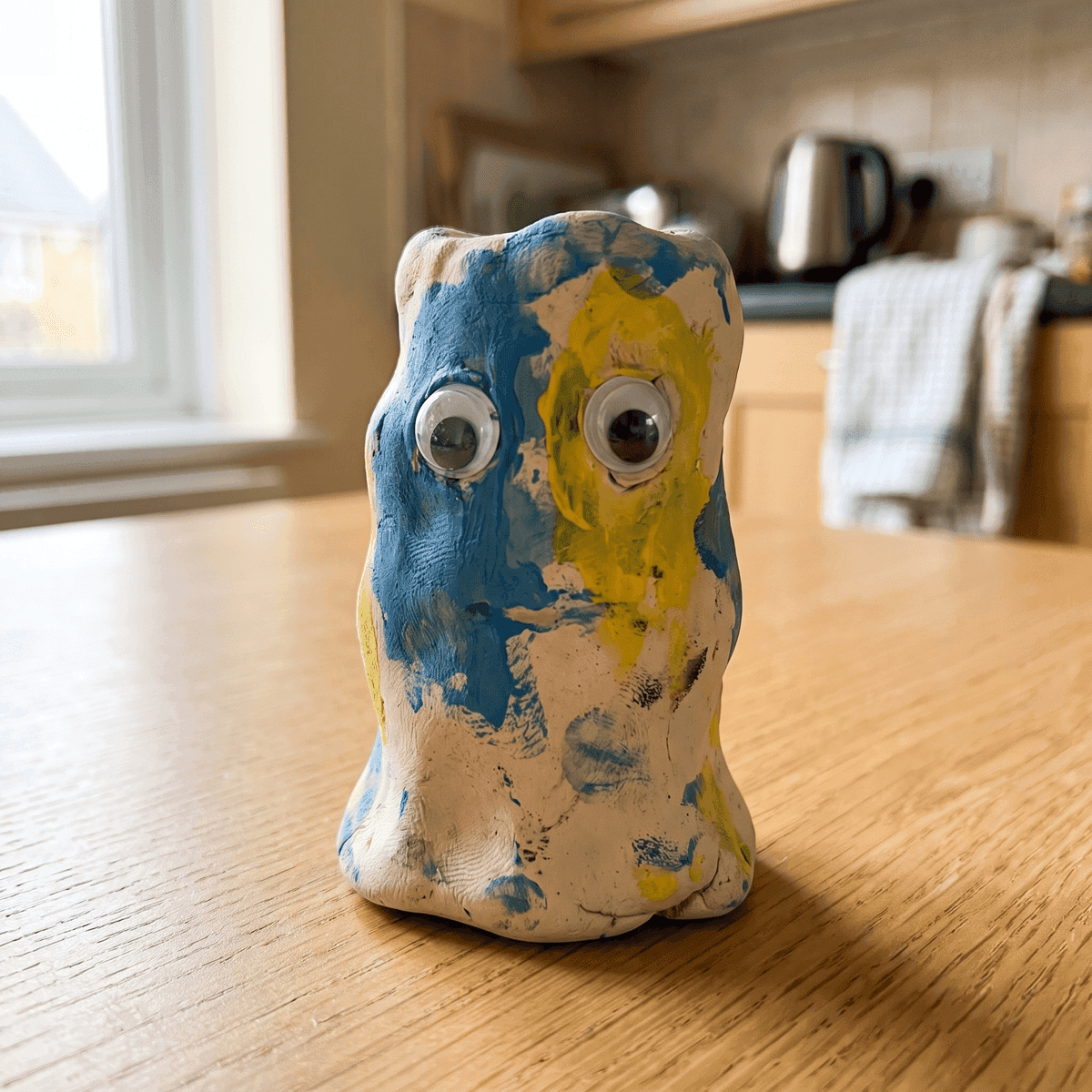
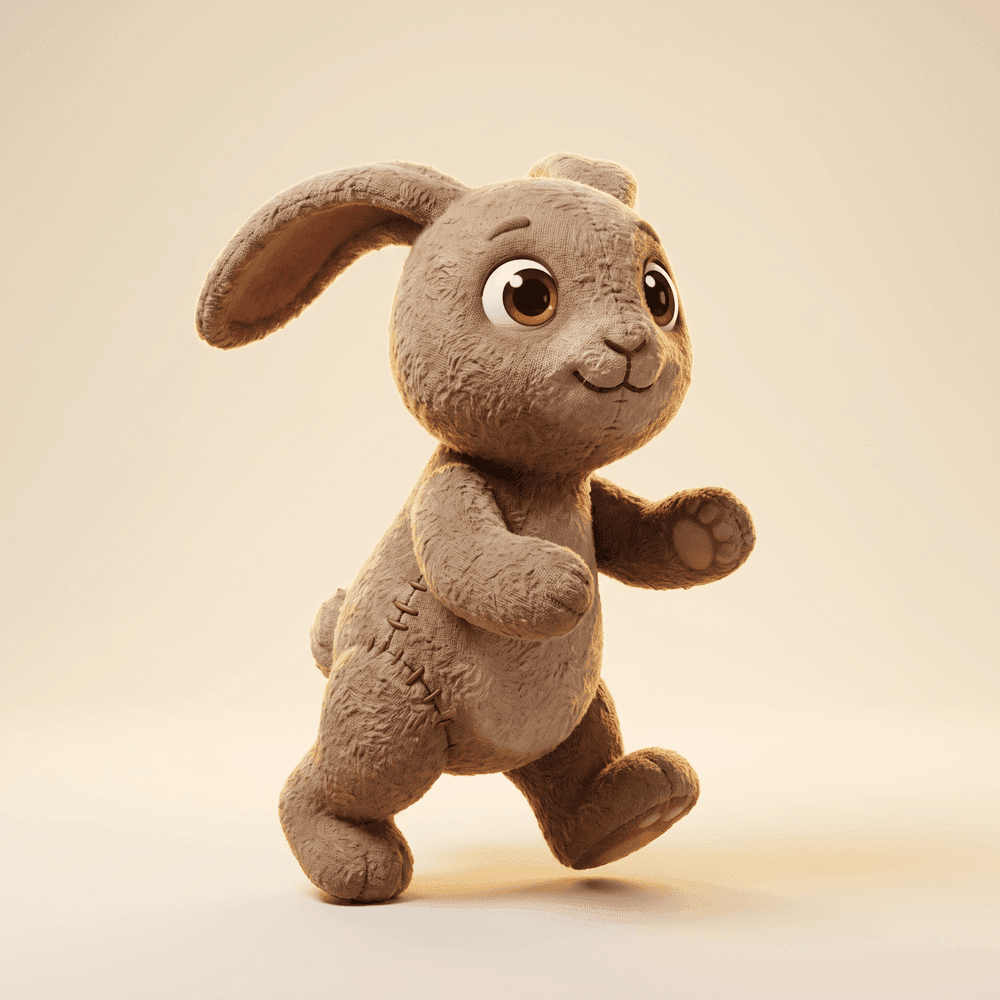
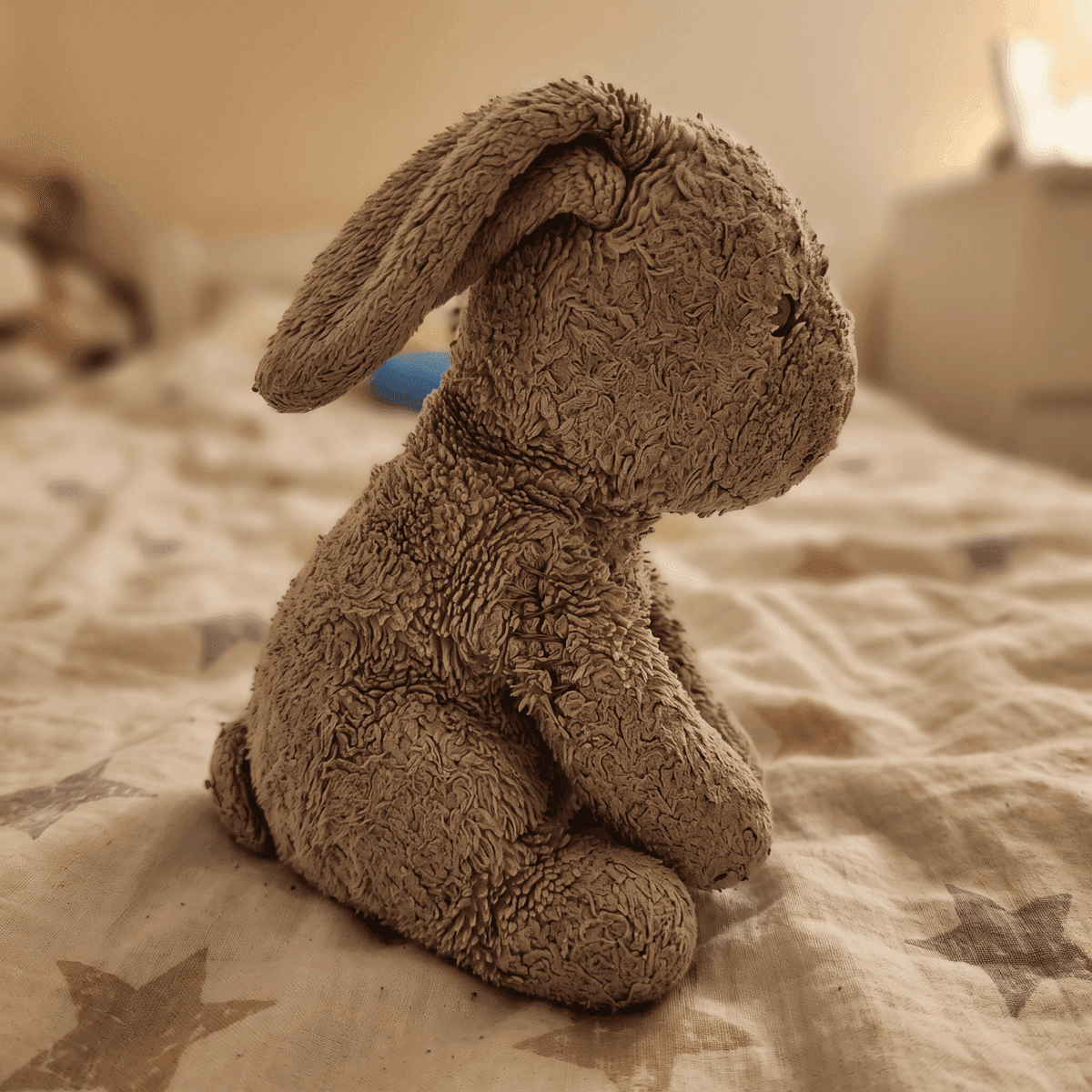
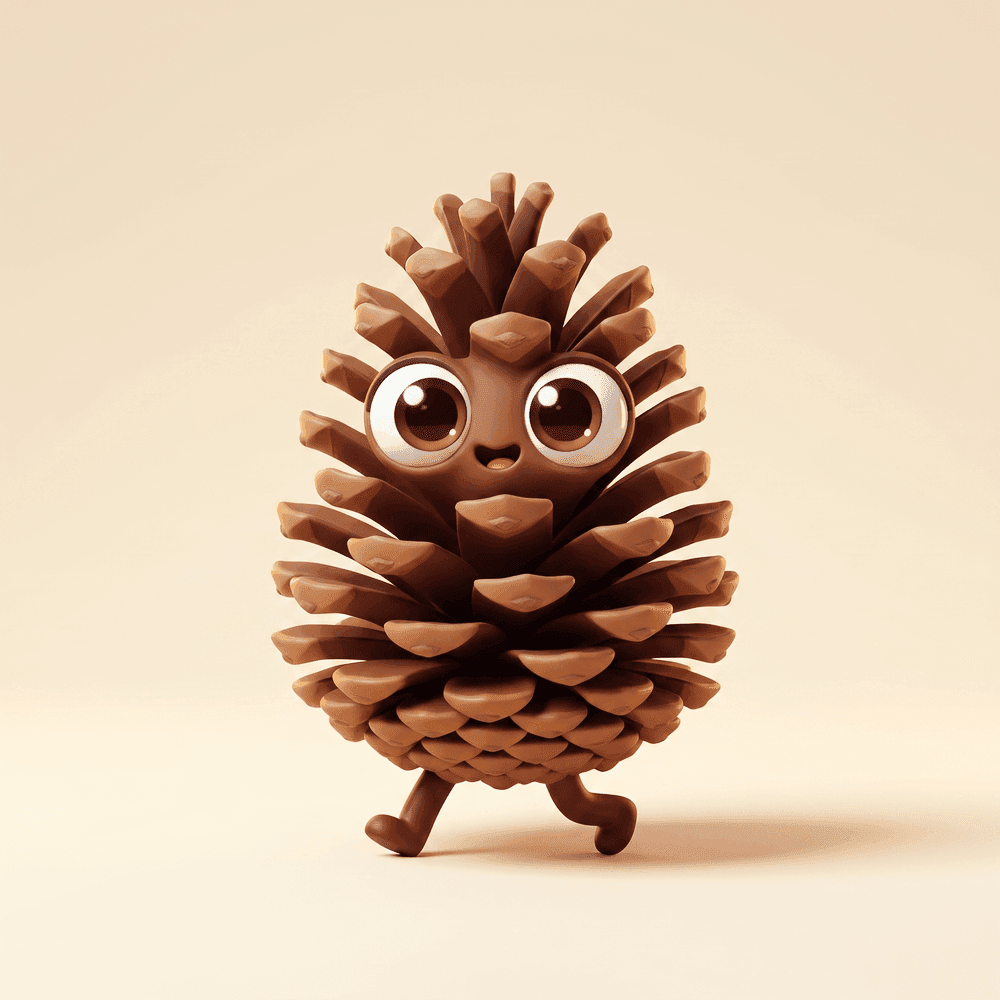
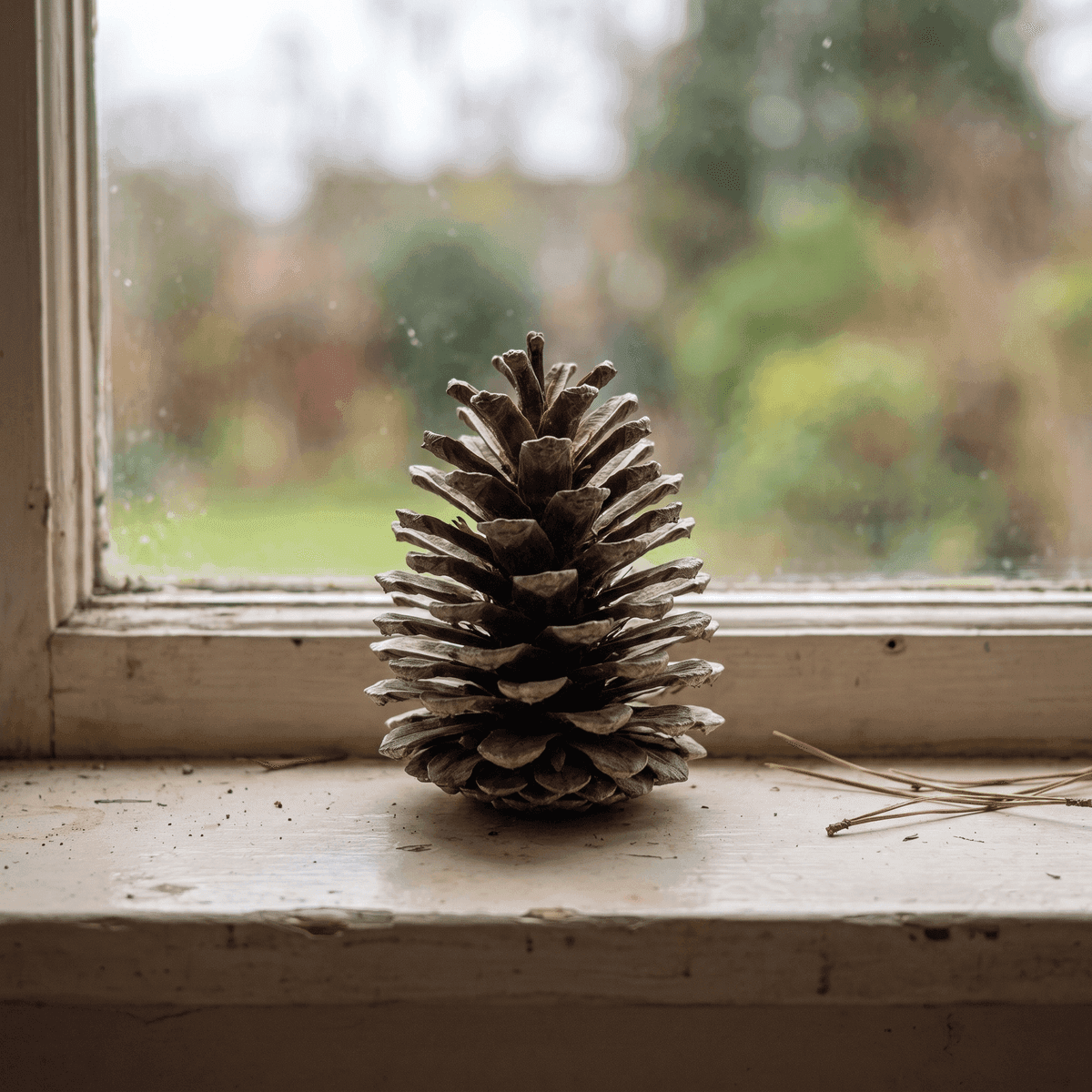
A new episode every time.
Pick who is in it, where it happens, and what they do. The characters do not reset.
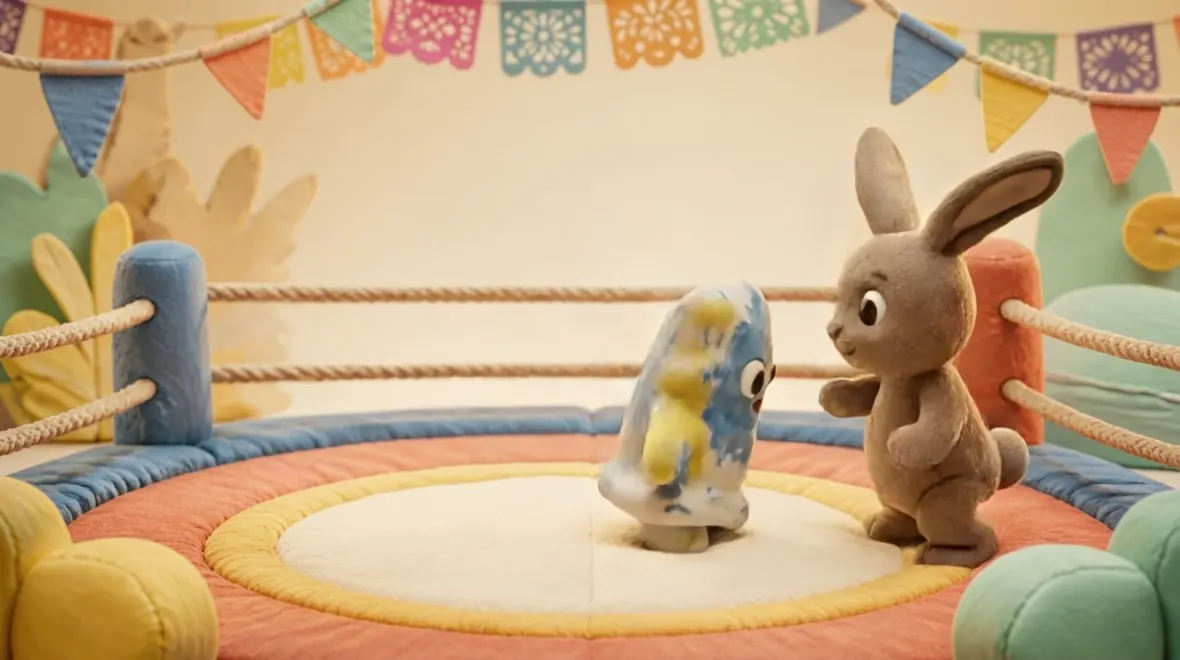
- CastSparky + BoboWorldRingActionFriendly showdown
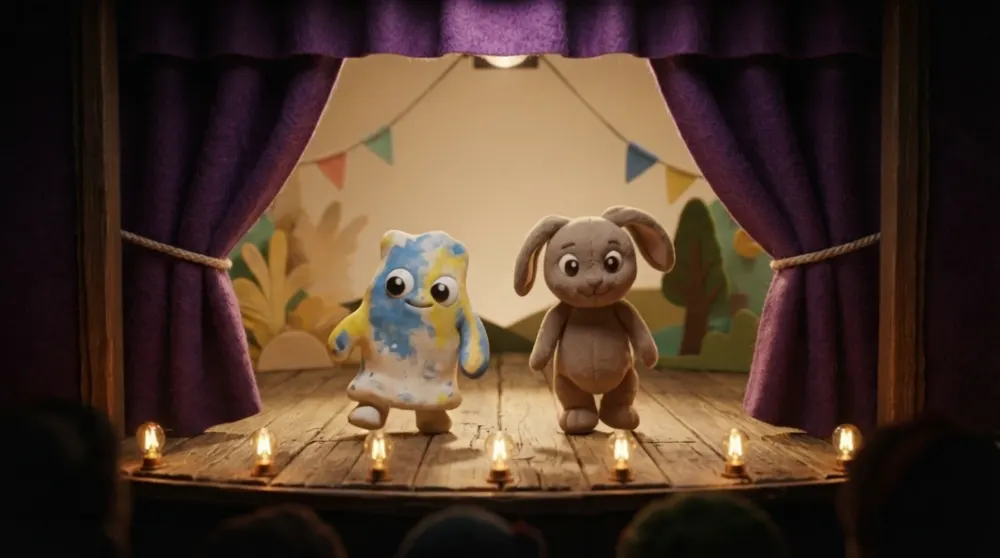
Sparky and Bobo bounce and dodge around the ring, then help each other up.
 Video unavailable
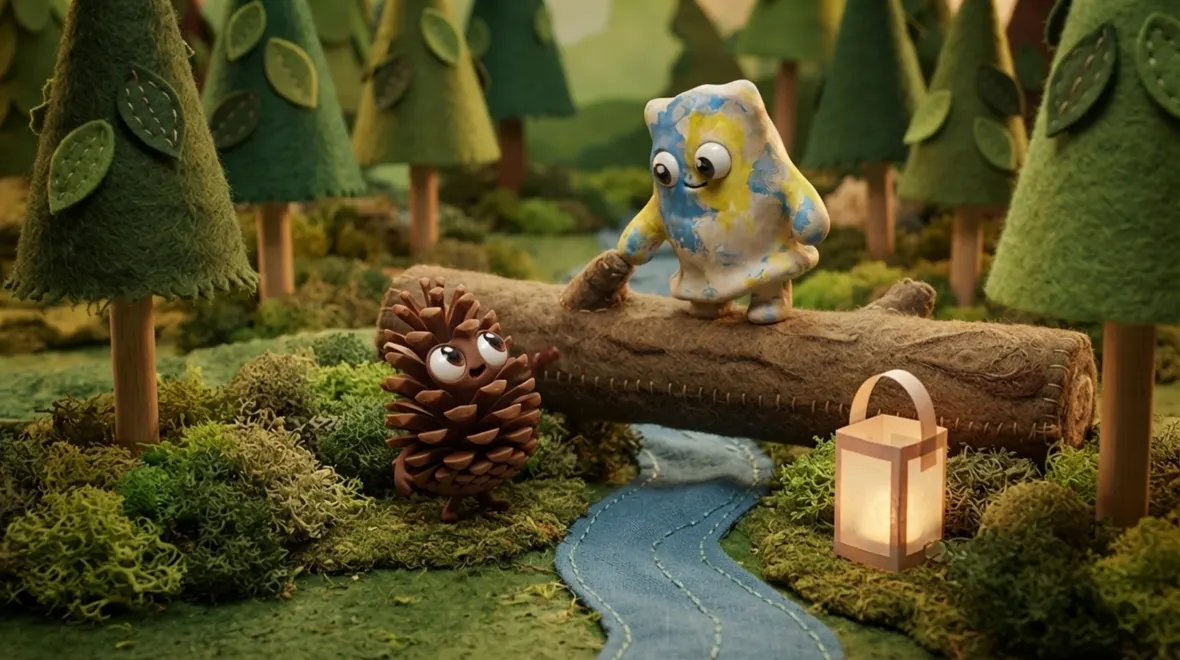
 - CastSparky + PrickyWorldForestActionRescue
Sparky reaches down from the log and pulls Pricky safely across the stream.
 Video unavailable
 - CastBobo + TinboxWorldSpaceActionMoon dance
Bobo and Tinbox bounce high off the moon dust, ears and arms floating.
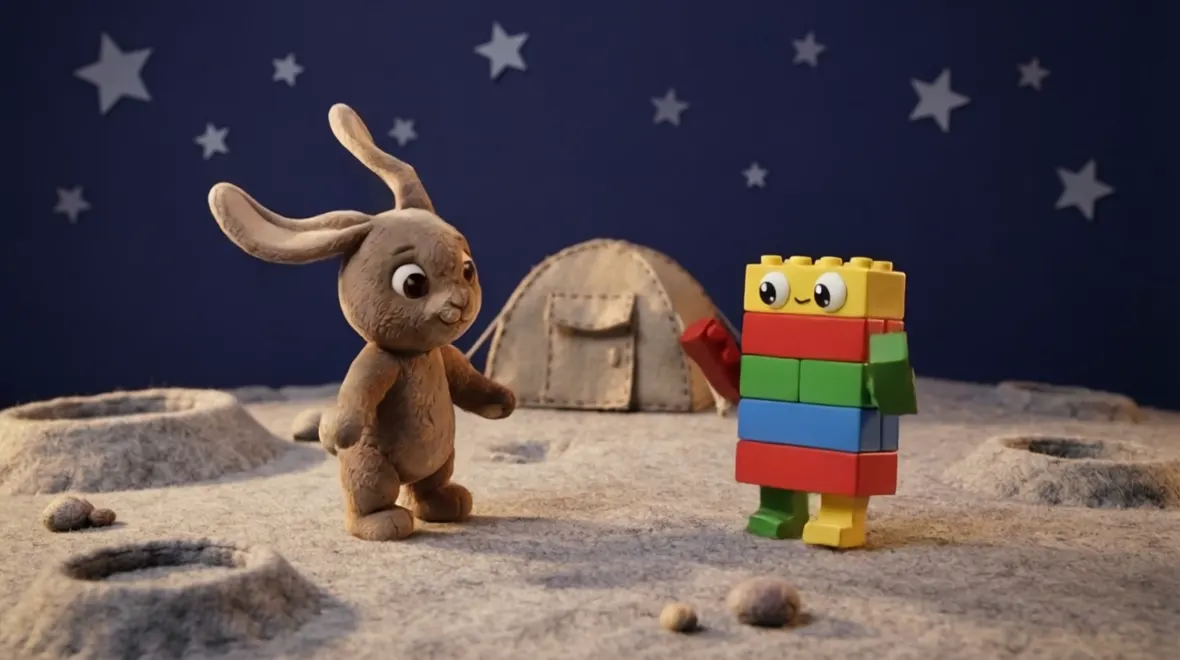 Video unavailable
A troupe, not a folder.
Characters return. What your child made last month is still there, ready for the next scene.
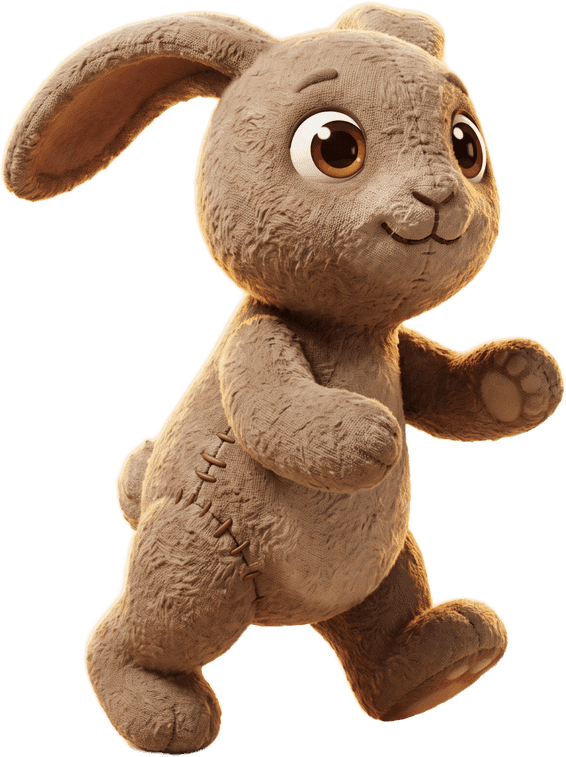
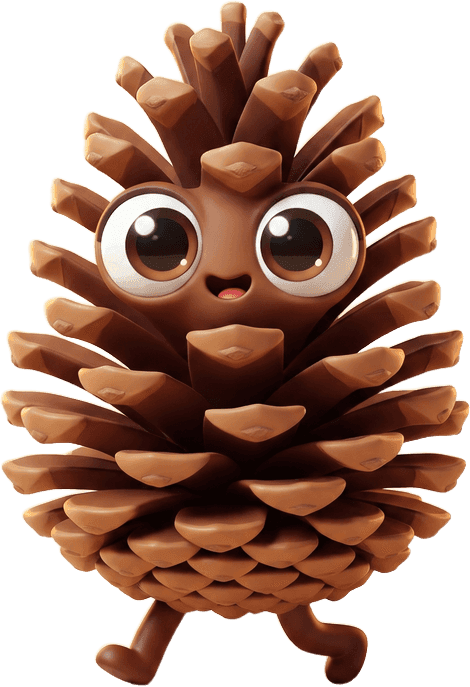
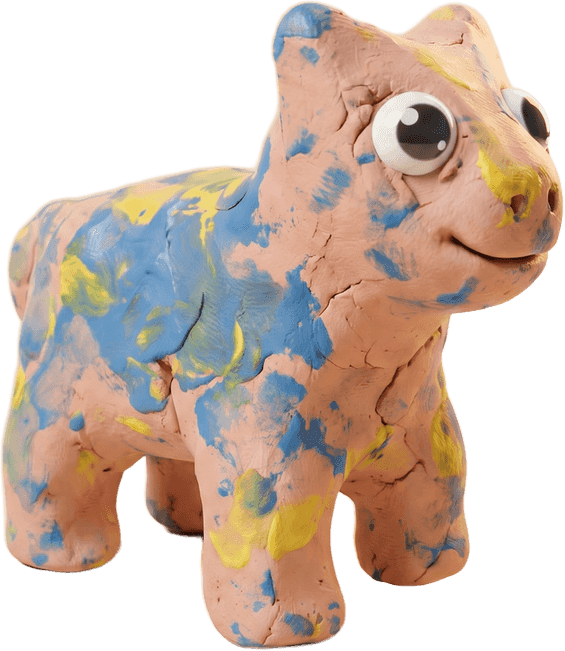
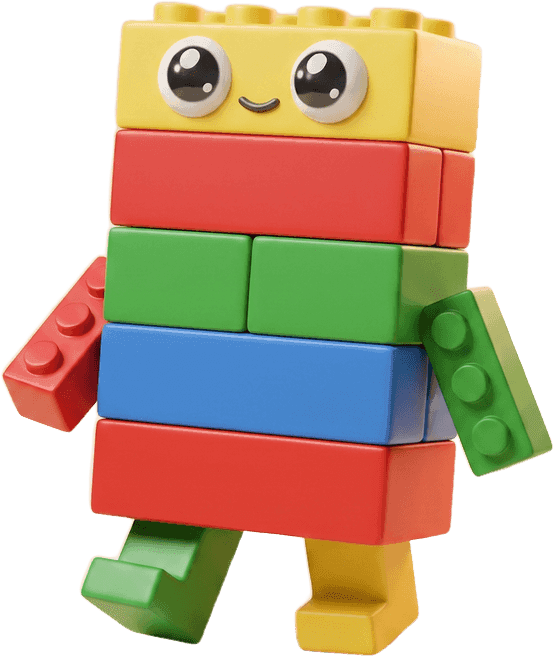
- Sparky
- Bobo
- Pricky
- Mossy
- Tinbox
Four steps. No typing required.
- 01
Make
Photograph something you made.
- 02
Add
It joins your cast.
- 03
Direct
Choose cast, world and action.
- 04
Watch
Save it, or ask a parent to share.
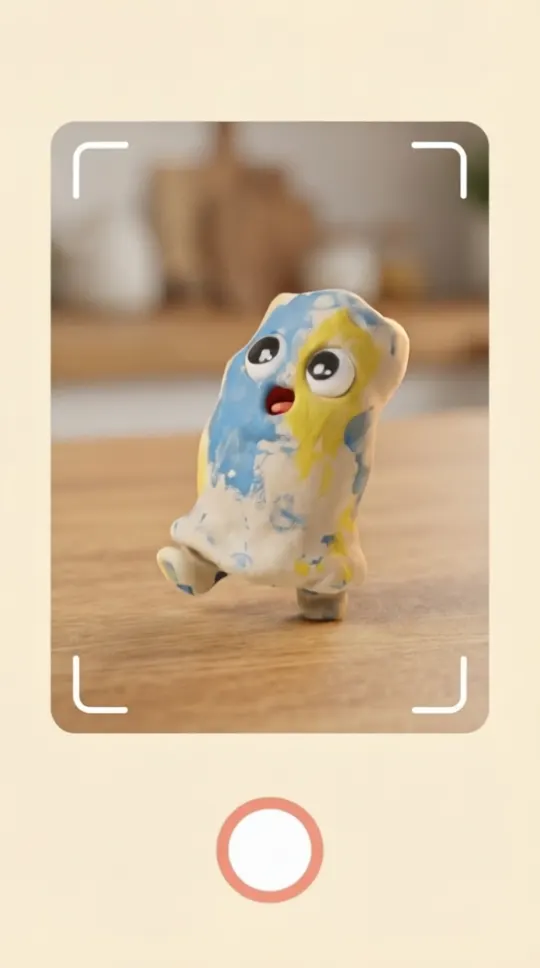
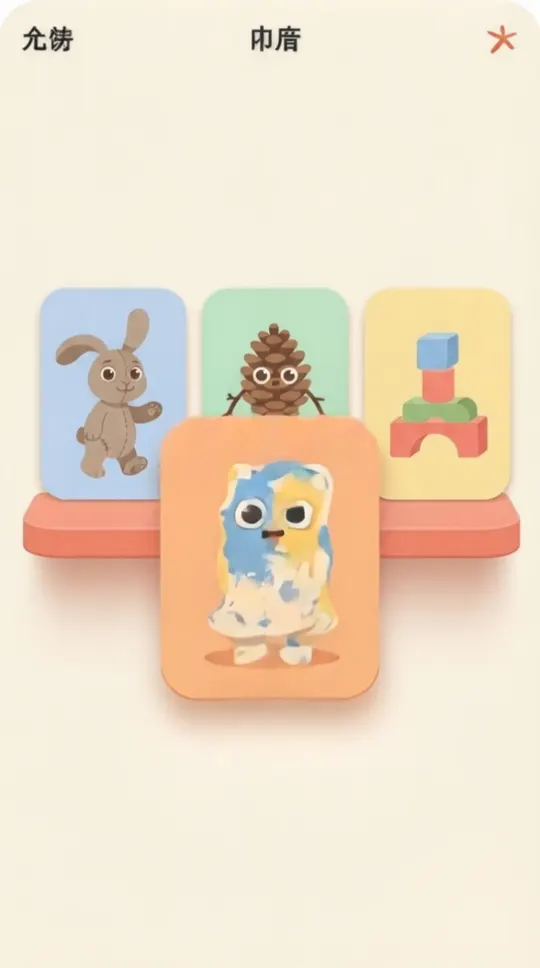
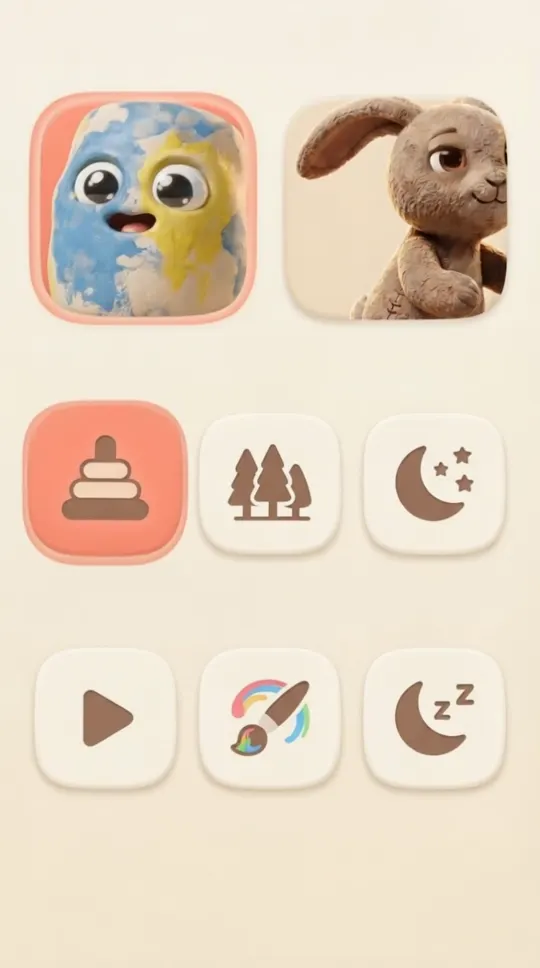
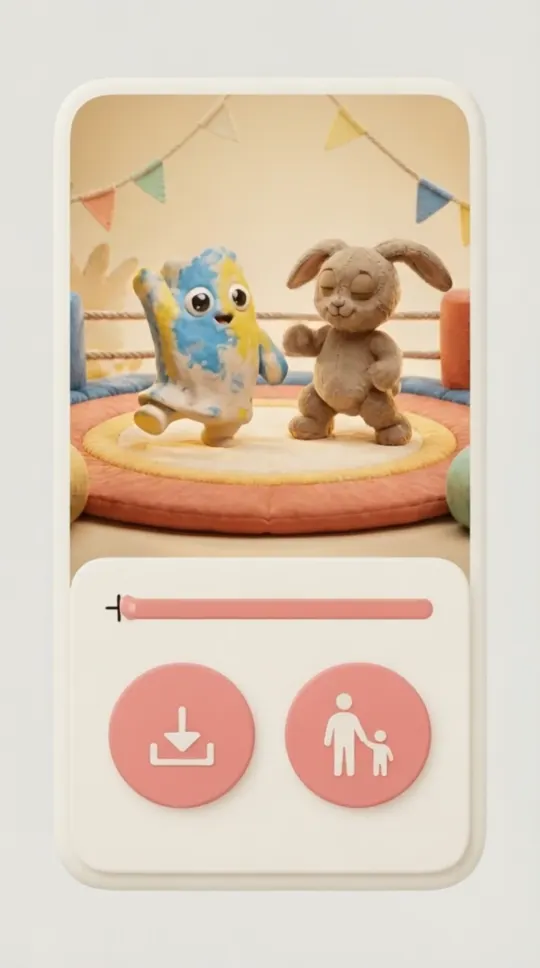
Showing Make. Photograph something you made.
Worlds to drop them into.
Open one and make your own version, or start from an empty stage. No profiles, no likes, nothing to scroll.
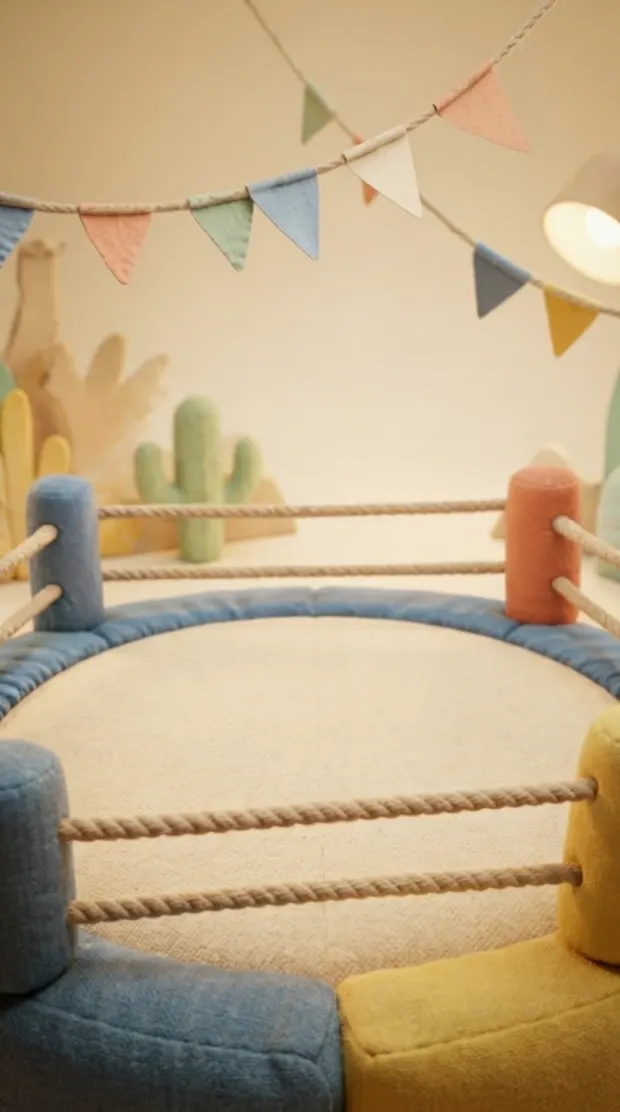 Video unavailableRing
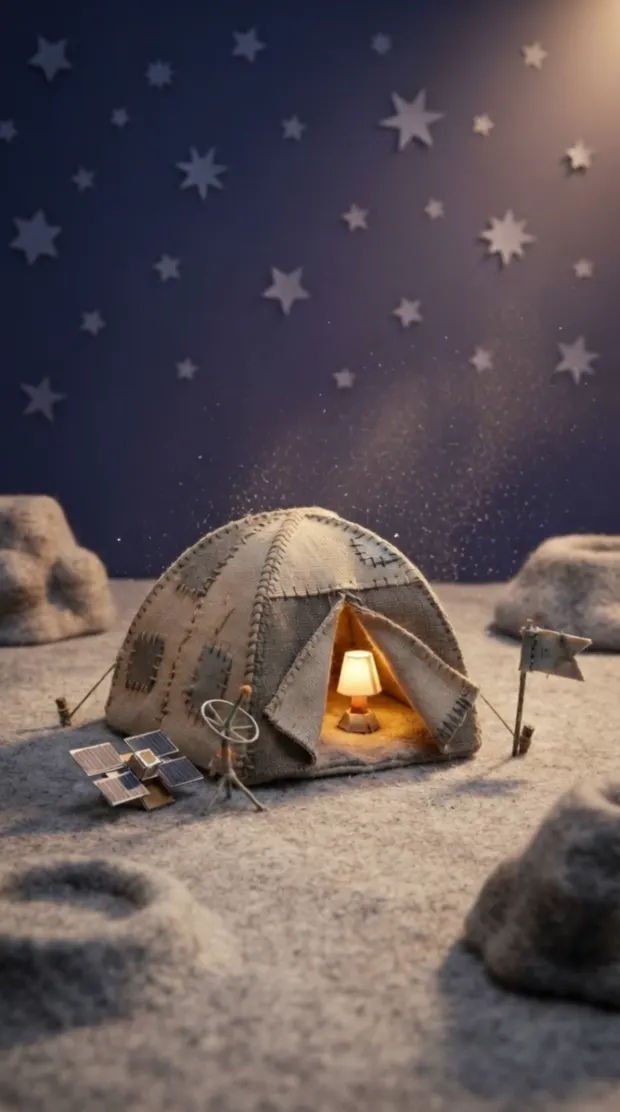 Video unavailableMoon Camp
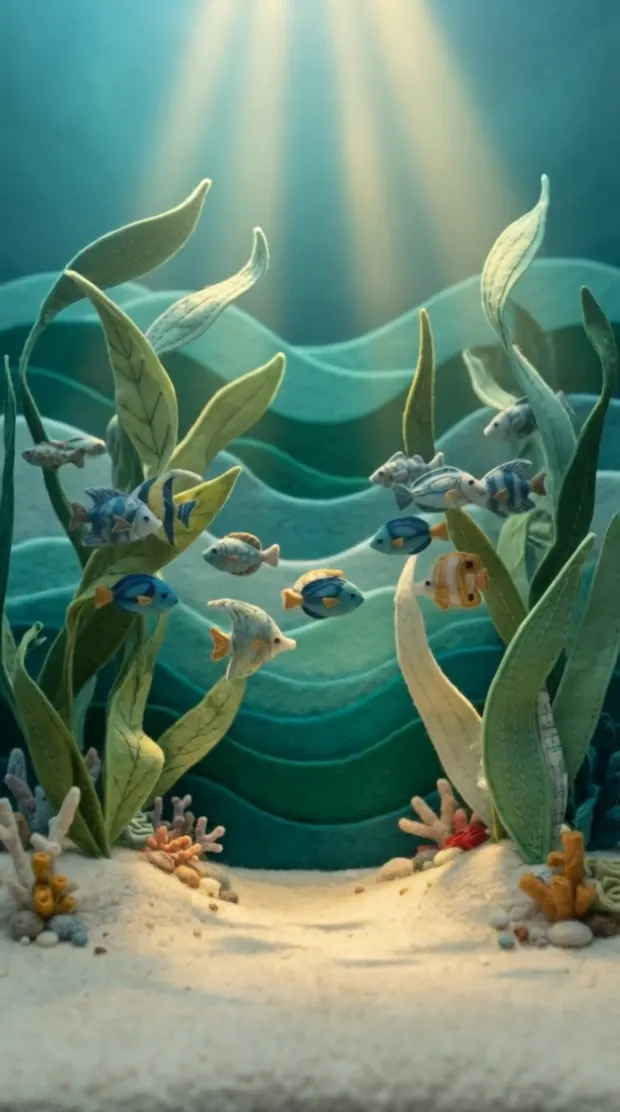 Video unavailableUnderwater Parade
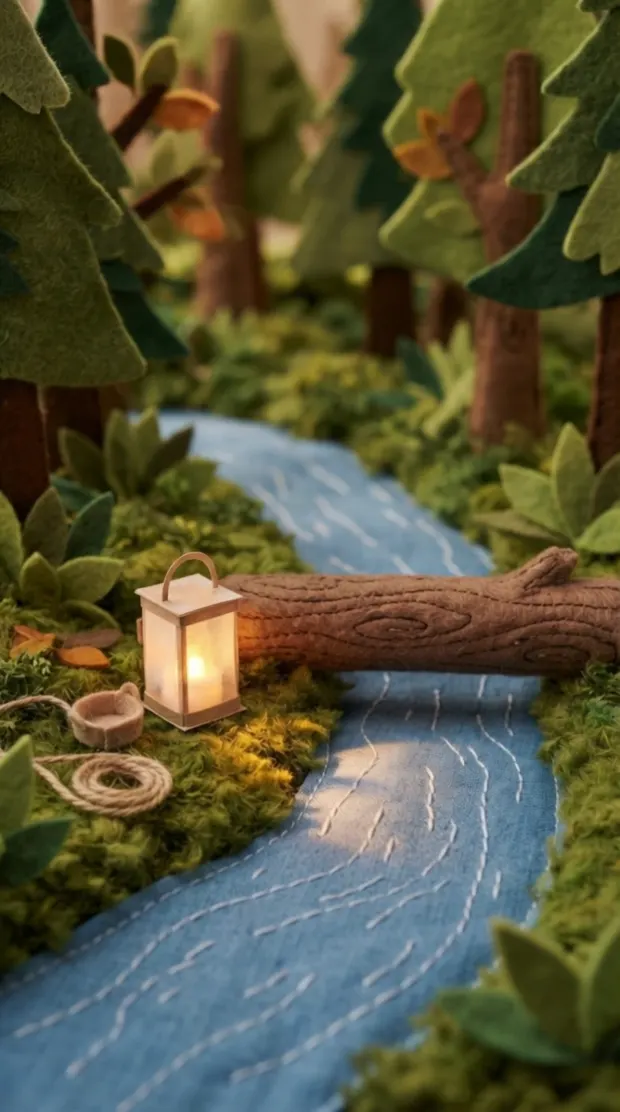 Video unavailableForest Rescue
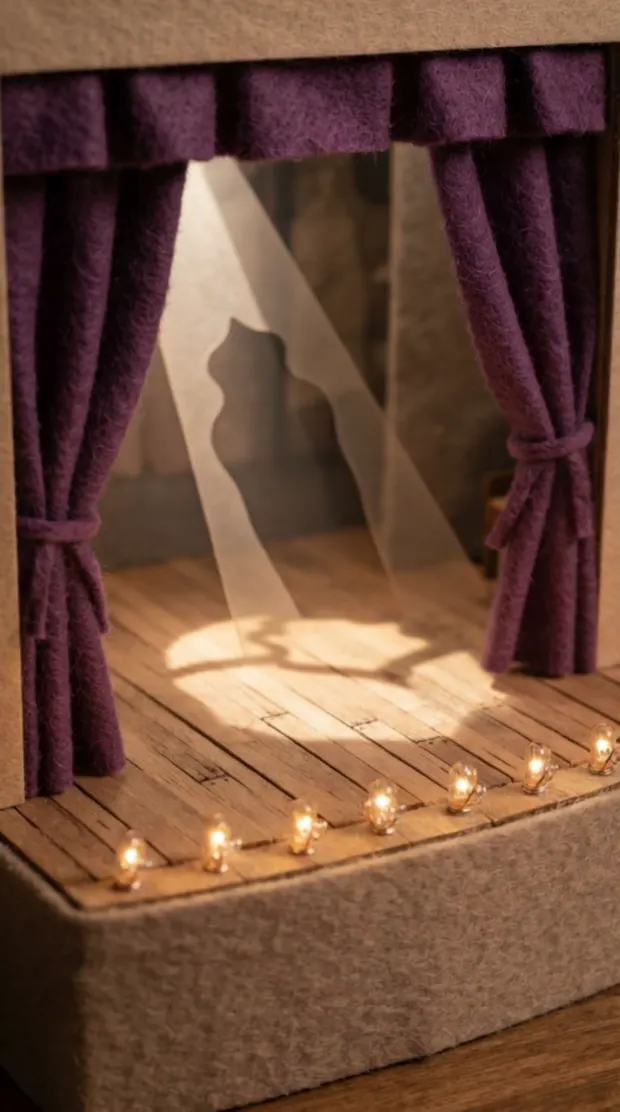 Video unavailableDance Stage
An empty stage. Your child picks the ground, the light and who walks on.
Start from nothing
Your child makes it. You decide who sees it.
Four things you control, each a real screen in the app.
- 01
It stays with you
New characters and episodes sit in your family’s space and go nowhere on their own.
- 02
You say yes first
Anything leaving that space waits for an adult to approve it.
- 03
You can take it back
See everything that was shared, and remove any of it.
- 04
Someone checks it
Scenes are reviewed before they reach the shared library.
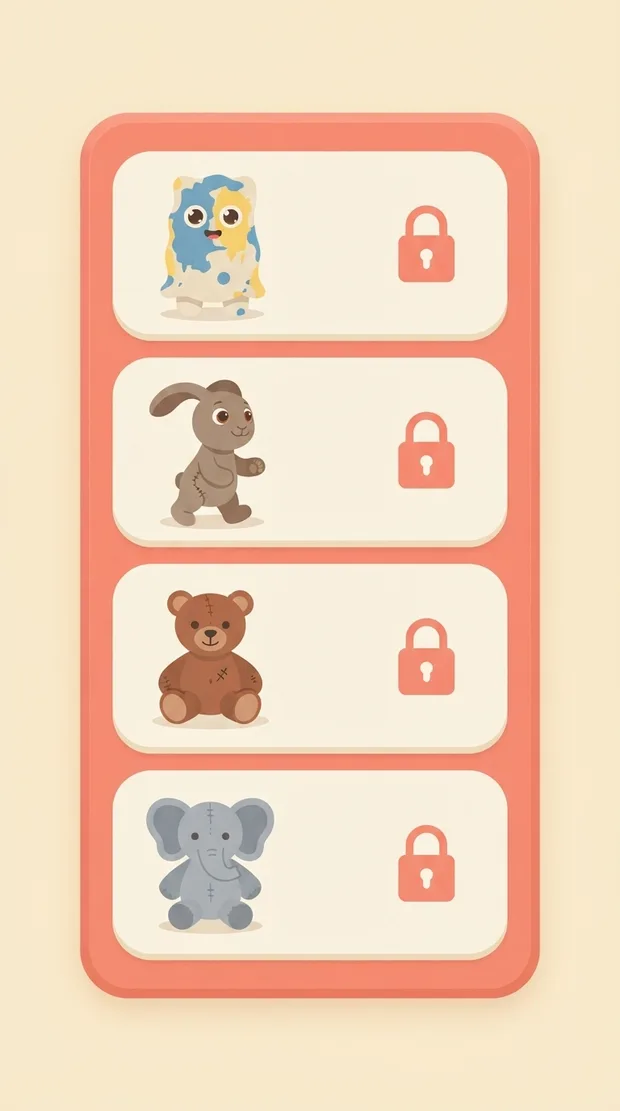
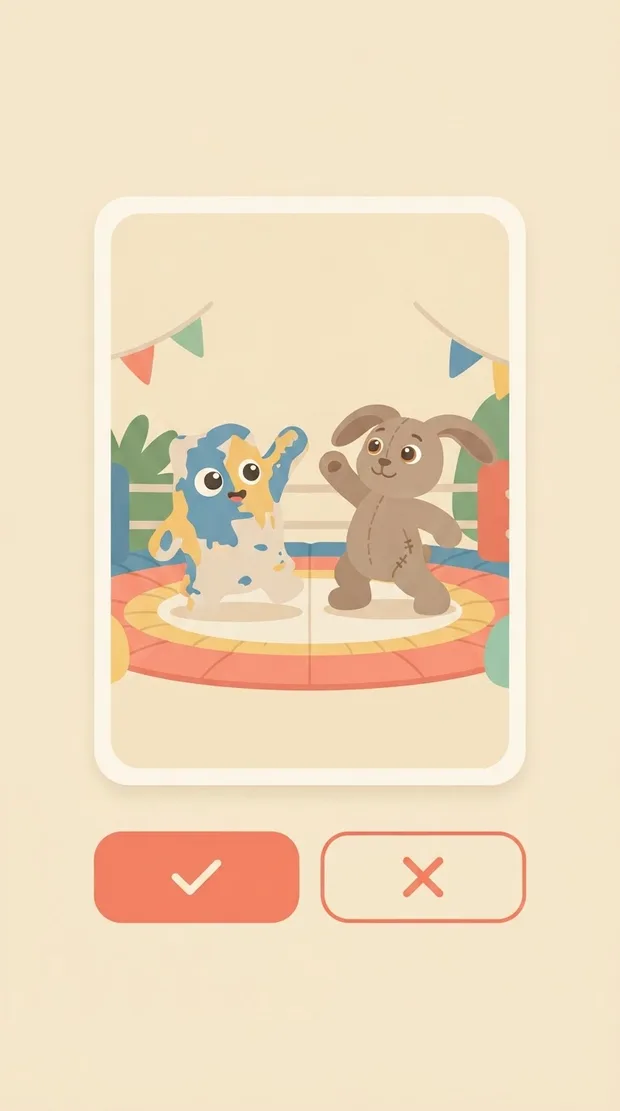
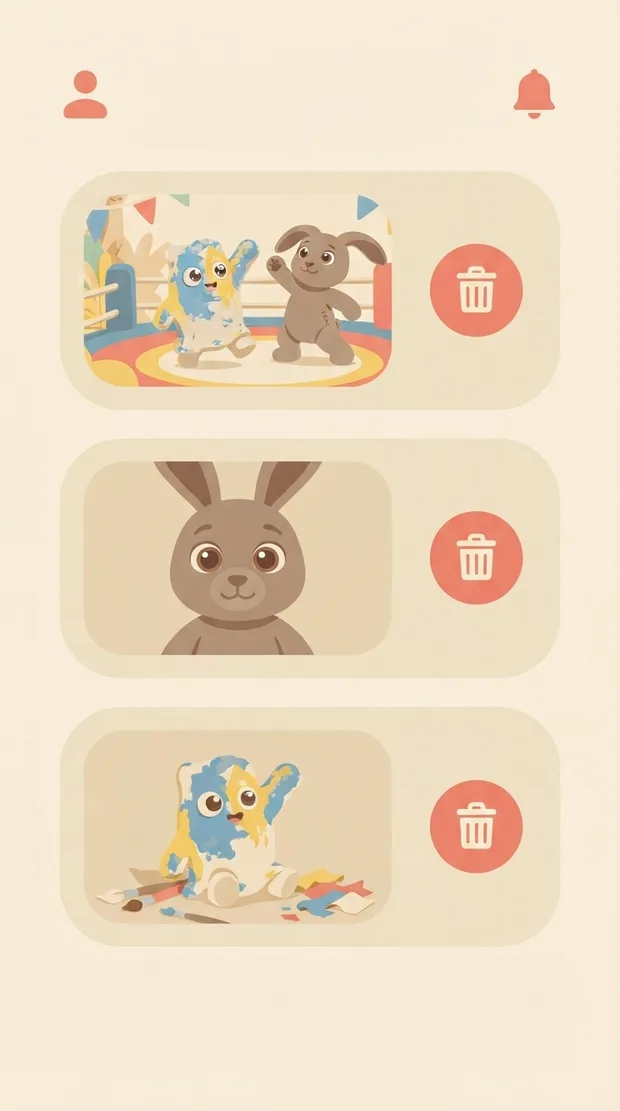
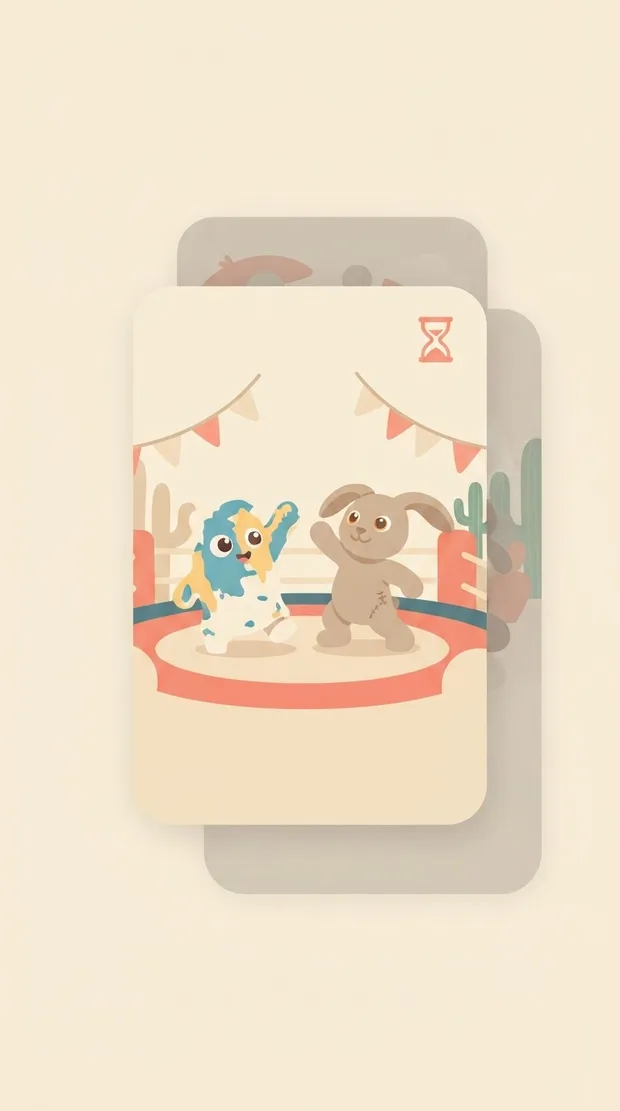
Showing It stays with you. New characters and episodes sit in your family’s space and go nowhere on their own.
What we are testing with families.
We have not run the pilot yet. These are the questions it has to answer. We will publish what we learn, including the parts that do not work.
- 01Does a child ask for the same character again a week later?
- 02Does putting two characters in one scene change what a child makes next?
- 03Can a parent find, review and remove something shared, without help?
Questions parents ask first.
See what your child makes first.
Join the early-access list for the family pilot. Adult email only.